Hosting, VPS and cloud: set up, secured and managed
VirtuoLab sets up the server your website or app runs on, secures it and keeps it up to date. That can be a VPS at a Dutch hosting company or an environment in the cloud. You get updates, SSL, encrypted offsite backups, monitoring and a fixed approach to migrations. The server is in your own company's name, so you are never locked in to VirtuoLab.
Directly with the developer; fixed price after a free intro call
How VirtuoLab secures a server
The measures per layer, from the traffic in front of the server to the backup behind it. Which ones are needed depends on the environment; every server VirtuoLab sets up gets the essential ones. Monitoring runs day and night; follow-up happens on working days from 09:00 to 18:00.
Measure
What it does
Priority
Cloudflare WAF and DDoS protection
Filters attacks, malicious bots and suspicious traffic before it reaches the server
Essential
Tailscale and SSH keys
Management over a private network: SSH is not publicly reachable and password login is off
Essential
Firewall (UFW or nftables)
Closes every network port except the ones needed, such as 443 for HTTPS
Essential
Automatic security updates
Installs operating system security patches as soon as they are released
Essential
Encrypted offsite backups
Protects data against a hack, ransomware or loss of the server
Essential
Docker hardening
Isolates applications, limits privileges and keeps internal services out of reach
Essential with Docker
CrowdSec
Recognises attack patterns in log files and blocks suspicious IP addresses
High
AppArmor and process isolation
Limits what a compromised process can read, write and execute
High
Lynis audit
Checks the server for weak or incorrect security settings
High
auditd and AIDE
Records important system actions and flags changed system files
High
Monitoring and alerts, day and night
Warns about suspicious activity, outages and system problems
High
Wazuh (EDR and SIEM)
Collects security events centrally and flags suspicious behaviour
Advanced
Cloudflare WAF and DDoS protectionEssential
Filters attacks, malicious bots and suspicious traffic before it reaches the server
Tailscale and SSH keysEssential
Management over a private network: SSH is not publicly reachable and password login is off
Firewall (UFW or nftables)Essential
Closes every network port except the ones needed, such as 443 for HTTPS
Automatic security updatesEssential
Installs operating system security patches as soon as they are released
Encrypted offsite backupsEssential
Protects data against a hack, ransomware or loss of the server
Docker hardeningEssential with Docker
Isolates applications, limits privileges and keeps internal services out of reach
CrowdSecHigh
Recognises attack patterns in log files and blocks suspicious IP addresses
AppArmor and process isolationHigh
Limits what a compromised process can read, write and execute
Lynis auditHigh
Checks the server for weak or incorrect security settings
auditd and AIDEHigh
Records important system actions and flags changed system files
Monitoring and alerts, day and nightHigh
Warns about suspicious activity, outages and system problems
Wazuh (EDR and SIEM)Advanced
Collects security events centrally and flags suspicious behaviour
01
What does VirtuoLab handle for hosting, VPS and cloud?
VirtuoLab handles the entire technical side of the server your website, web app or API runs on. First, setup: choosing a suitable server, installing the operating system, web server, database and runtime such as Node.js or PHP, and connecting your domain with DNS and SSL. Second, security, with a firewall, management over a private network, automatic security updates and a web application firewall in front. Third, continuity: encrypted offsite backups, a tested recovery plan and monitoring that runs day and night. Fourth, maintenance, such as software and certificate updates, freeing disk space and reviewing logs. Finally, migrations, from an old hosting company or shared hosting to your own VPS or the cloud. The server and accounts are in your own company's name. VirtuoLab gets access to do the work, and you can always revoke that access.
02
Shared hosting, a VPS or the cloud: what fits your business?
The choice between shared hosting, a VPS and the cloud depends on what runs on it and how much control you need. Shared hosting puts your site on one server with many others; it is cheap and fine for a simple WordPress site, but you have little say over the configuration or the security of your neighbours. A VPS is your own virtual server with fixed processing power and memory, which you set up entirely yourself. It suits a web app, a custom web shop or an API, and often costs a few dozen euros a month. The cloud, such as AWS or Microsoft Azure, scales with usage and offers managed databases and storage, but cost and configuration are more complex. For most small business applications, a well-configured VPS is the best balance of cost, speed and control. FiscalDesk, VirtuoLab's accounting software, runs on its own virtual server at TransIP in the Netherlands, for example. VirtuoLab advises per situation, including when shared hosting is simply enough.
03
How does VirtuoLab secure a VPS?
VirtuoLab secures a VPS in layers, so that a single mistake never gives direct access. In front of the server, Cloudflare filters attacks, malicious bots and DDoS traffic. On the server, the firewall, UFW or nftables, only opens the ports needed, such as 443 for HTTPS. Management goes through Tailscale, a private network, with SSH keys; SSH is therefore not publicly reachable and password login is off. Automatic security updates install operating system patches as soon as they are released. CrowdSec recognises attack patterns in the logs and blocks suspicious IP addresses. AppArmor limits what a compromised process can do, and applications in Docker run with minimal privileges, without exposing internal services. Lynis checks the configuration for weak settings, and auditd and AIDE record system actions and flag changed files. Where the risk calls for it, Wazuh collects all security events centrally. This is no luxury: according to Verizon, a vulnerability was the starting point of 20% of breaches in 2025.
04
How does VirtuoLab handle backups and recovery?
VirtuoLab handles backups according to the 3-2-1 rule: three copies of your data, on two different types of storage, one of them in a different location from the server. The backups are encrypted, so a stolen copy is unreadable, and the storage location is secured separately, so ransomware on the server cannot delete the backups. The frequency matches how much data you can afford to lose: every night or more often for a web shop or customer portal, less often for a simple website. FiscalDesk, for example, makes an encrypted backup every night. A backup is only worth something if recovery works, so VirtuoLab tests restoring on a separate server and records how long it takes. Site updates have a safety net too: virtuolab.dev builds a new version next to the running one and keeps the previous one at hand, so rolling back is a single restart. It matters, because according to Statistics Netherlands only 33% of businesses with 2 to 10 people encrypt their data.
05
How does a migration to a new server work?
A migration to a new server runs in five steps at VirtuoLab, with as little interruption as possible. First, an inventory: which sites, databases, scheduled jobs, email settings and DNS records exist, and which software versions they need. Second, setting up and securing the new server according to the measures in the table on this page. Third, a trial migration: the site runs on the new server under a test address, so you can check everything before visitors notice anything. Fourth, the switch. The lifetime of the DNS records is lowered in advance, the last data is transferred and the domain then points to the new server; the interruption is usually limited to minutes. Finally, the old server stays in place for a few days as a fallback. SSL certificates from Let's Encrypt are valid for 90 days and renew automatically on the new server. After the migration you receive documentation of the setup.
Our own products
Software we build and run ourselves
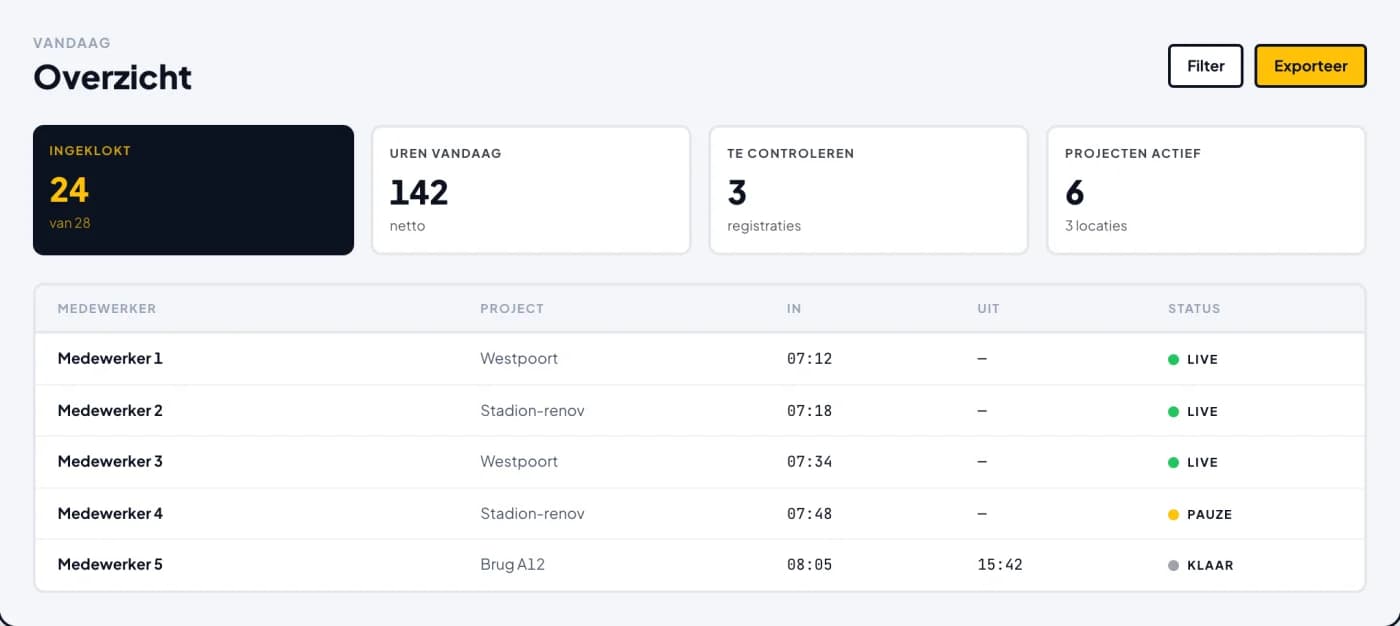
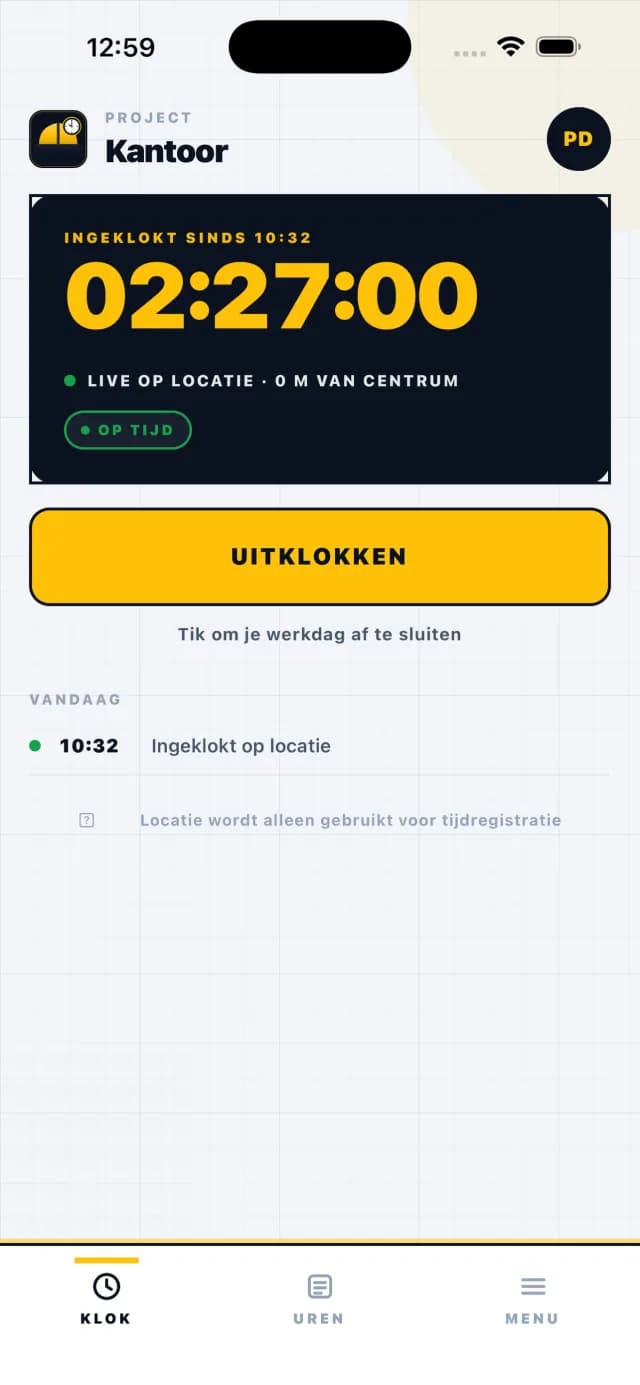
FiscalDesk and Bouwklok are VirtuoLab products. Both are live and can be tried. The images below are recordings and screens from the software itself.
Where is my data stored, and does that fit the GDPR?
Your data is stored where your business chooses, and VirtuoLab recommends a server in the Netherlands or elsewhere in the EU by default. For the GDPR that is the simplest route, because there is no transfer to a country outside the EU. The hosting company processes personal data on behalf of your business and signs a data processing agreement for that; large Dutch and European providers have one ready as standard. VirtuoLab also signs a data processing agreement if management gives access to personal data. Data is encrypted in transit via HTTPS, and backups are encrypted at rest. Access to the server is limited to those who really need it, and every management action is logged. If you choose AWS or Microsoft Azure, VirtuoLab picks a data centre in the EU, such as Frankfurt, Amsterdam or Ireland. With FiscalDesk, for example, the platform, database, documents and backups are on its own server at TransIP in the Netherlands.
What happens if the server goes down?
If the server goes down, monitoring usually notices within a few minutes, because it checks day and night whether the site is reachable and whether disk, memory and processor are healthy. An alert goes out straight away. VirtuoLab follows up on working days from 09:00 to 18:00, and that is stated honestly in the agreement: VirtuoLab is a one-person business, not a data centre staffed around the clock. Many outages resolve themselves thanks to the setup: an application that crashes restarts automatically, and Cloudflare absorbs a temporary traffic spike. In a serious case, such as a broken server, the environment is rebuilt from the documented setup and the latest backup. If your business needs a guarantee that someone intervenes at night and at weekends too, a hosting company with its own operations team and a service level agreement is the better choice; VirtuoLab then helps with the handover.
Can VirtuoLab take over my existing hosting?
Yes, VirtuoLab can take over existing hosting, whether it sits with a hosting company, a previous developer or an internal system. It starts with a handover check. First: which accounts exist and in whose name, such as the hosting company, the domain registration, Cloudflare and email. Second: which software runs, in which version, and what is outdated or insecure. Third: are there backups, and does recovery work. The check leads to advice: clean up and secure the existing environment, or migrate to a new, properly configured server. Ownership is an important point. If the server or domain is in the name of a previous supplier, VirtuoLab first makes sure they are transferred to your business. According to Verizon, a third party was involved in 30% of breaches in 2025, so knowing who has access, and limiting it, is one of the first steps.